


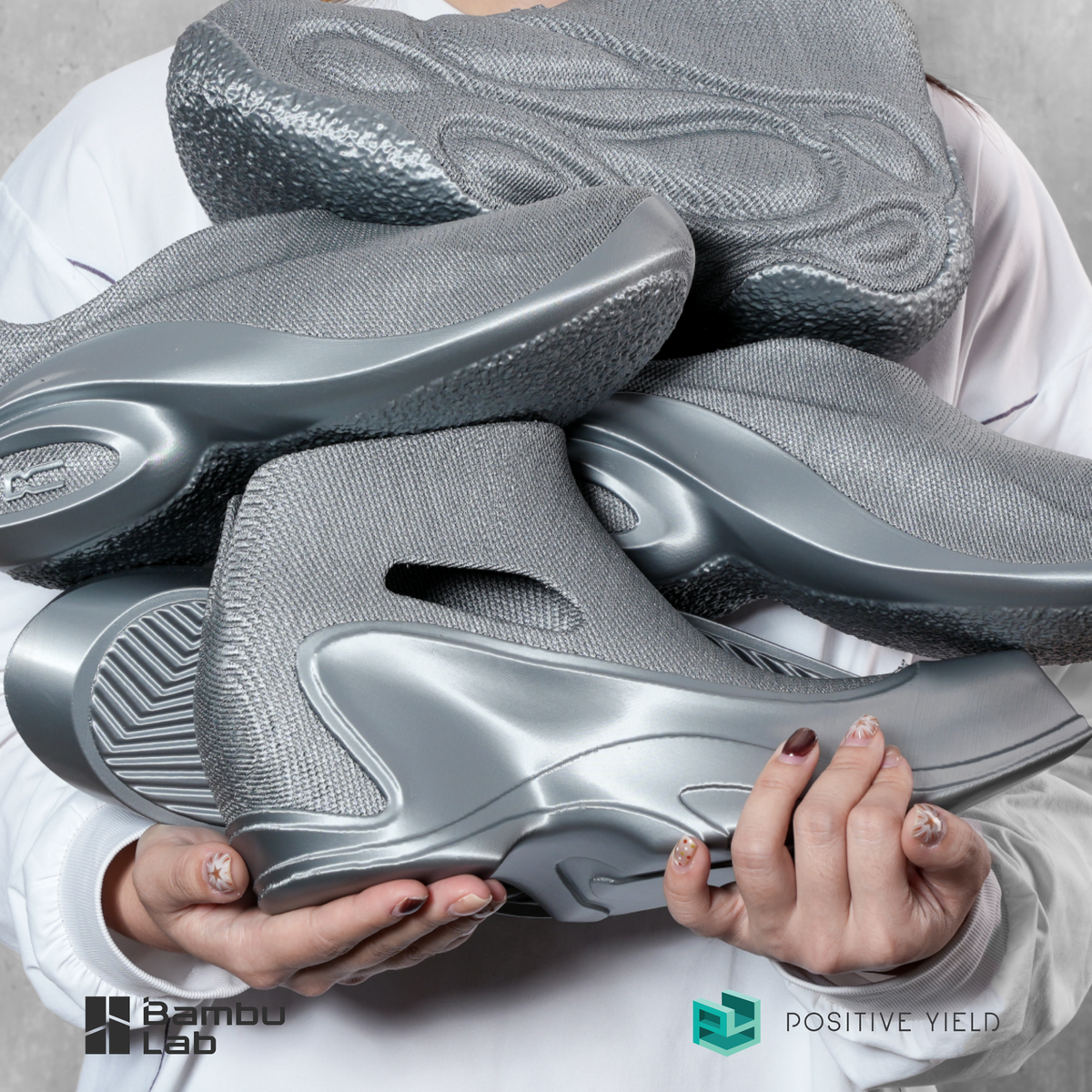

Flexible material built for everyday impact.
Bambu TPU 90A balances flexibility, durability and printability, making it ideal for shock absorption, protective parts, wear-resistant products and flexible functional components.
Soft enough to bend. Strong enough to perform.
TPU 90A delivers excellent elasticity while maintaining better dimensional stability, offering an easier printing experience with reliable flexible performance.

Built for repeated friction and movement.
Excellent abrasion resistance helps TPU 90A withstand repeated contact, making it suitable for functional products with long-term usage.

Designed to absorb shock and vibration.
TPU 90A is suitable for protective products, dampers and components that require flexibility, compression recovery and energy absorption.

Flexible
Maintains elasticity while offering better dimensional stability than softer TPU materials.
Resilient
Recovers shape after repeated bending, compression and daily use.
Wear Resistant
Excellent abrasion resistance for long-term functional applications.
Functional Parts
Suitable for dampers, covers, flexible joints and soft engineering parts.
Flexible material for real-world products.
TPU 90A is suitable for products requiring flexibility, wear resistance and impact absorption.

Protective Covers
Soft protection products with excellent impact absorption and grip.

Gaskets & Dampers
Suitable for vibration absorption, sealing applications and soft contact parts.
Flexible Parts
Ideal for joints, wearables, flexible mounts and moving components.
Everything you need to print TPU 90A with confidence.
Printer compatibility, accessory compatibility, drying conditions, printing tips, downloads and package options for Bambu TPU 90A.
Printer Compatibility
Recommended printer compatibility for TPU 90A.
| TPU 90A | Multi-material Printing with PLA / PETG | |
|---|---|---|
| H2S | Compatible | Not Supported |
| H2D / H2C | Compatible Right filament inlet only |
TPU 90A Only |
| X Series / P Series | Compatible | Not Supported |
| A Series | Compatible | Not Supported |
Accessory Compatibility
Recommended accessories and system compatibility for TPU 90A printing.
| TPU 90A | |
|---|---|
| Nozzle Recommended | 0.4 mm / 0.6 mm / 0.8 mm |
| Nozzle Not Supported | 0.2 mm / High Flow Nozzle |
| Build Plate | Smooth PEI Plate, Textured PEI Plate |
| Glue | No Glue Required |
| AMS, AMS lite, AMS 2 Pro | Not Compatible |
| AMS HT | Compatible. Please read feeding instructions carefully before use. |
Printing Tips
TPU 90A requires precise printing conditions. Please follow the recommended settings before printing.
Blast drying oven: 70°C for 8 hours.
H2 Series: 90°C for 16 hours.
X Series: 90°C for 16 hours.
AMS HT: 75°C for 18 hours.
To avoid spool deformation that may prevent the spool from fitting into the dry box, please use a large dry box for TPU drying.
Increasing the maximum volumetric speed is not recommended. Keep the default speed during printing. All TPU 90A parameters are already pre-set. Turn off Flow Dynamics Calibration to match the fine-tuned setting.
Bambu TPU 90A does not support printing with filaments other than PLA and PETG series. To keep TPU prints clean and vibrant, avoid using dark-colored PLA as support material.
Do not press Unload when switching filaments, as this may cause uncut TPU residue to get stuck in the extruder. Heat the nozzle to 250°C, then control the extruder to retract and manually pull out the filament.
Pressing Unload to enable auto-retraction is allowed. Please maintain the filament cutter at the right inlet if printing TPU regularly, as it is more prone to wear out when printing TPU.
The gradient effect of Bambu TPU 90A Blaze and Bambu TPU 90A Frozen will appear only once in a 1 kg filament spool.
Downloads
Technical documents for Bambu TPU 90A.
What’s in the Box
TPU 90A is supplied as filament with spool.
* Product color and texture may vary slightly. Images are for reference only.

Unboxing & Review
Watch real unboxing and user reviews from content creators